
StepsApp – Step Counter
StepsApp
Downloads
10,000,000+
Source
Google Play
Advertisement
Click to download now, finish the installation quickly, and directly unlock the all-round experience
Advertisement
Screenshots
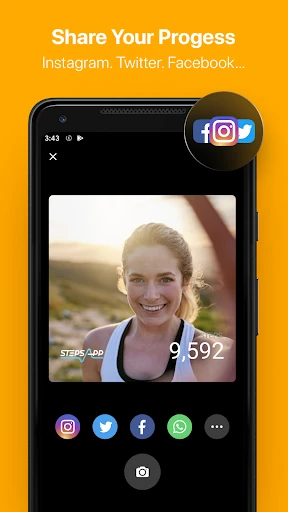
Click to download now, finish the installation quickly, and directly unlock the all-round experience
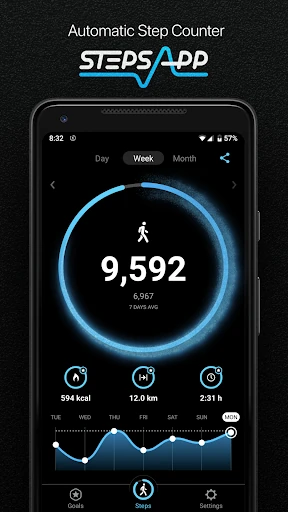
StepsApp – Step Counter turns an Android phone into a walking tracker. It counts steps automatically, without requiring you to start or stop a session, and is suited to people who want a simple record of everyday movement rather than a full workout plan. The phone needs to be with you for its sensors to track your walking.
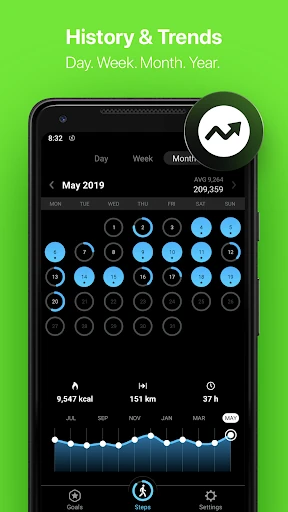
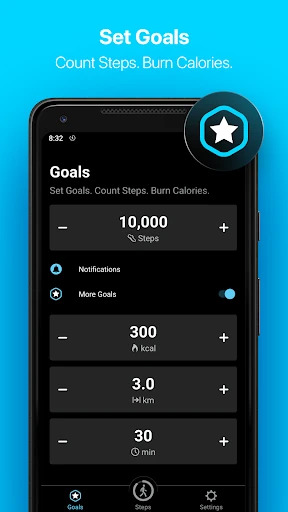
Alongside steps, the app shows distance, active calories and time. Daily figures give you a quick check-in; monthly and yearly views help put a quiet day or a change in routine into context. Google Fit integration is available if you want activity data connected with that service.
The useful habit here is a brief glance, perhaps during a morning check or after a walk. StepsApp makes the basic numbers easy to find, while longer views offer a reason to return when you want to compare days or track a broader pattern. It is focused on walking and running metrics, not a detailed training program. The automatic counting also means there is no workout start button to remember.
StepsApp is listed in Health & Fitness and is published by StepsApp. Its rating is about 4.69 out of 5 from 139,962 ratings, with 10,000,000+ installs. Those figures suggest a widely used step counter, though the everyday fit still depends on whether you carry your phone consistently and find step totals useful.